Getting started

Before creating your database driven website, you will need to sign up to Mybusiness. Don’t worry it will take you less than a minute.

No data was found

Before creating your database driven website, you will need to sign up to Mybusiness. Don’t worry it will take you less than a minute. After registration you will be asked to create a website; if you wish to g dive into the online database and web application builder, you .can simply choose a template or a blank page and get back to your website interface later on.

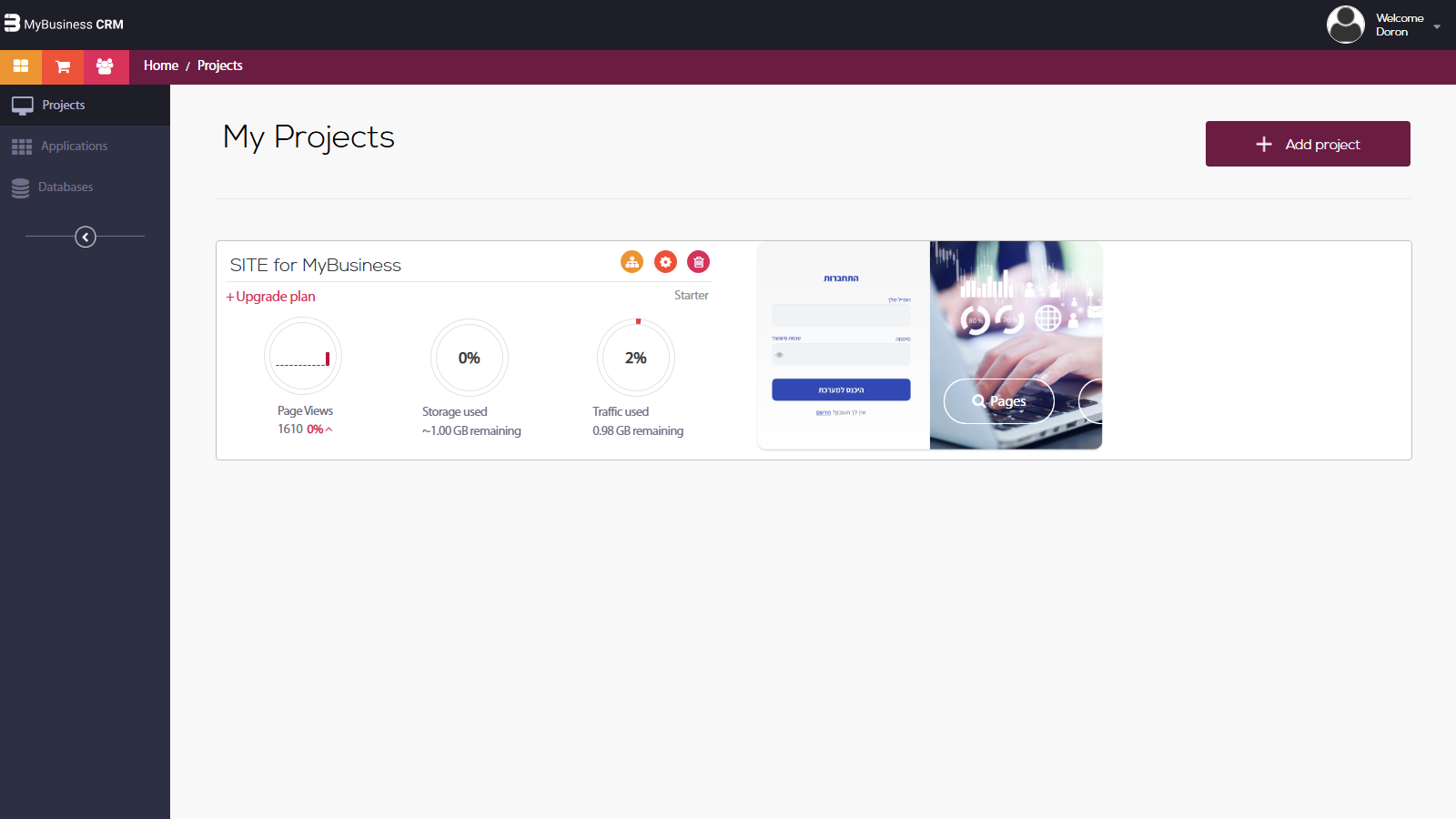
On the left-hand side of the system you will have two options:

1. Websites – Your website/UI editor, the place you will create your user's interface to your website/web applications.

2. Applications – All of the applications you have installed on your account (from all database).

3. Databases – The backend online database system, where you will create and control your data tables, users and permissions.

If you already own a website built with Mybusiness please continue to the next step – "Create your first online database"
לא מצאת מה שחיפשת?
צור קשר עם התמיכה שלנו

מדריכים נוספים

grad1
guide_9916

הרשאות מתקדמות — סינון נתונים לפי משתמש

הרשאות מתקדמות מאפשרות לסנן את הנתונים ברמת הרשומה, כך שכל משתמש רואה רק את הנתונים הרלוונטיים אליו — למשל, נציג מכיר...
grad1
Guide 9915 Header Image

ניהול תפקידים והרשאות

מערכת התפקידים וההרשאות מאפשרת לכם לשלוט בדיוק מי יכול לראות, ליצור, לערוך או למחוק נתונים בכל טבלה ב-CRM — כדי לשמור...
grad1
Guide 9914 Header Image

ייצוא נתונים וגיבוי טבלאות

ייצוא נתונים מ-CRM מאפשר לגבות מידע, לנתח נתונים בכלים חיצוניים ולעמוד בדרישות רגולציה — כל זה בקלות ובמהירות. שמירה ...
grad1
Guide 9913 Header Image

ייבוא לקוחות ונתונים מ-CSV/Excel

ייבוא נתונים מ-CSV מאפשר להעביר מידע באופן מרוכז אל ה-CRM — בין אם מדובר בהגירה ממערכת קודמת, טעינת רשימת לקוחות חדשי...